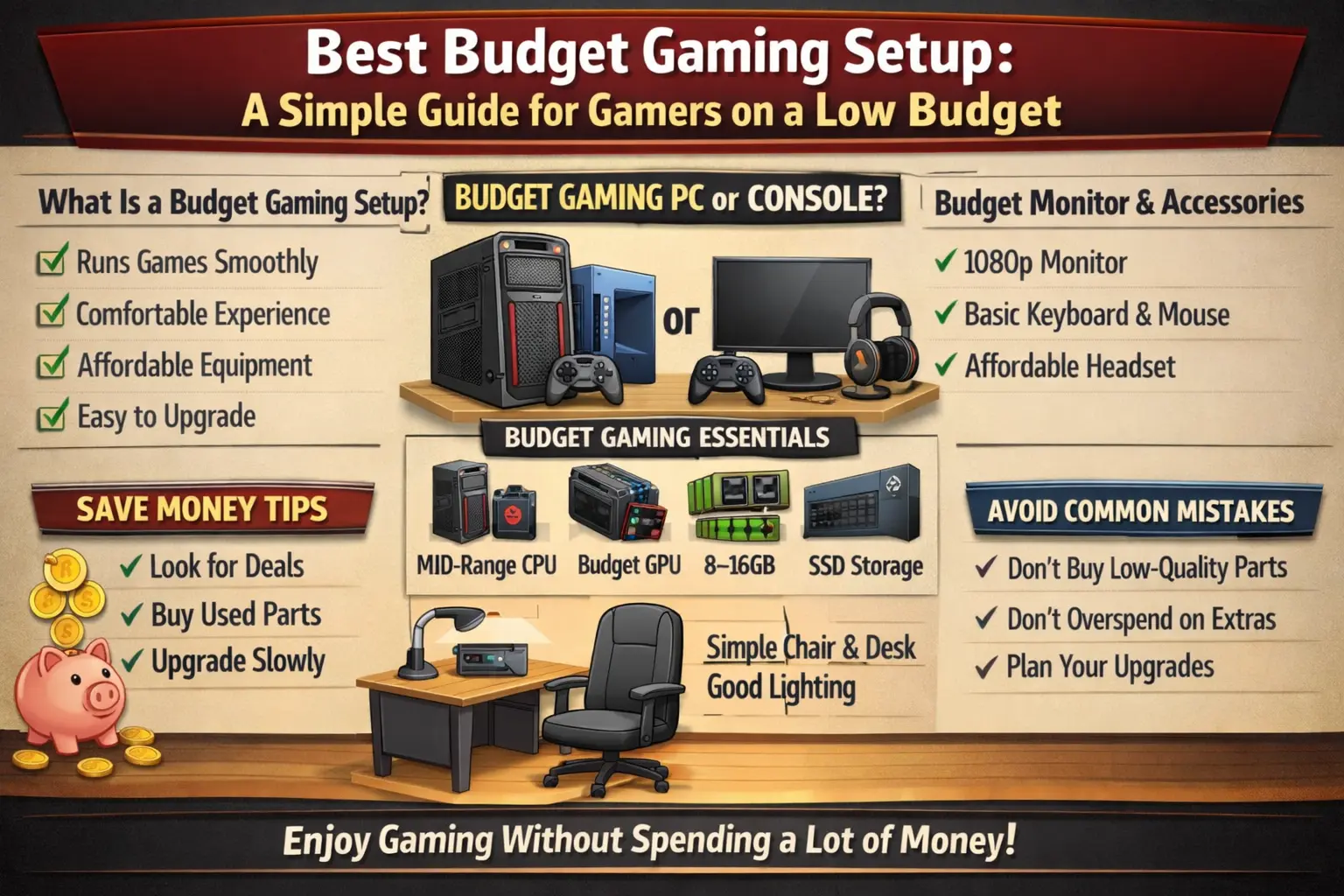
Best Budget Gaming Setup: A Simple Guide for Gamers on a Low Budget
Gaming is more popular than ever, and many people want to build their own gaming setup. However, not everyone has a large budget. The good news is that you do not need expensive equipment to enjoy gaming. With the right choices, you can create a budget gaming setup that performs well and feels comfortable.
A budget setup focuses on getting the best value for your money. It includes essential gaming equipment like a computer or console, monitor, keyboard, mouse, and a comfortable space to play.
In this guide, we will explain how to build the best budget gaming setup step by step using simple and easy ideas.
What Is a Budget Gaming Setup?
A budget gaming setup is a gaming system built with affordable equipment that still delivers good performance. It focuses on essential items instead of expensive extras.
A good budget setup should:
- Run games smoothly
- Provide a comfortable experience
- Last for a long time
- Fit within your budget
You do not need the latest or most expensive gear to enjoy gaming.
Choosing Between PC and Console
The first step is deciding whether you want a gaming PC or a console.
Gaming PC (Budget Option)
A budget gaming PC allows you to play many games and upgrade parts over time. It is flexible and useful for other tasks like work or study.
However, building a PC can require more planning.
Gaming Console
Consoles are usually easier to set up. You can start playing quickly without worrying about upgrades.
They are a good choice if you want simple gaming without technical setup.
Budget Gaming PC Essentials
If you choose a gaming PC, focus on the most important parts.
Processor (CPU)
The CPU is the brain of the computer. A mid-range processor is enough for most games.
Graphics Card (GPU)
The GPU is very important for gaming performance. Even a budget GPU can run many games smoothly if settings are adjusted.
RAM (Memory)
At least 8GB RAM is recommended for budget gaming. If possible, 16GB is better for smoother performance.
Storage
Use an SSD instead of a traditional hard drive. SSDs make games load faster and improve overall performance.
Choosing a Budget Monitor
A monitor is where you see the game. You do not need a very expensive screen.
Look for:
- Full HD (1080p) resolution
- Smooth refresh rate (at least 60Hz)
- Good screen size (22–24 inches)
This is enough for a good gaming experience.
Budget Keyboard and Mouse
You do not need expensive accessories to play well.
Keyboard
A simple keyboard works fine for most games. Mechanical keyboards are popular, but budget options are also good.
Mouse
A good gaming mouse should be comfortable and responsive. Even affordable gaming mice offer good performance.
Headset for Better Sound
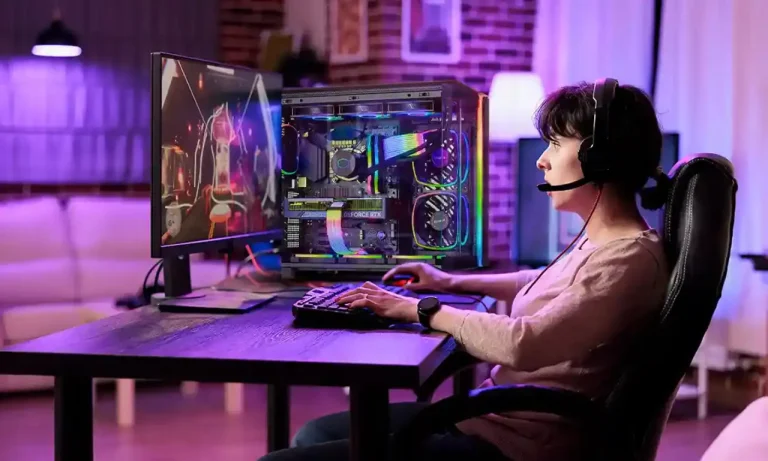
Sound is important in gaming, especially in competitive games. A budget headset can help you hear footsteps, gunshots, and other important sounds.
Look for:
- Clear audio
- Comfortable design
- Built-in microphone (for multiplayer games)
Comfortable Gaming Space
Your gaming setup is not only about equipment. Comfort is also important.
Chair
You do not need an expensive gaming chair. A simple comfortable chair with good support is enough.
Desk
A clean and stable desk helps you stay organized and focused.
Lighting
Good lighting reduces eye strain and improves your gaming experience.
Internet Connection Matters
For online gaming, a stable internet connection is very important.
Try to use:
- A reliable internet provider
- Wired connection (Ethernet) if possible
This reduces lag and improves gameplay.
Tips to Save Money on Gaming Setup
Building a budget setup is all about smart choices.
Here are some helpful tips:
Buy Only What You Need
Avoid buying unnecessary accessories at the start. Focus on essential items first.
Look for Deals and Discounts
Many gaming products go on sale. Waiting for discounts can save money.
Upgrade Slowly
You do not need everything at once. Start with basic equipment and upgrade later.
Consider Used Products
Some used gaming parts are still in good condition and cost much less.
Best Budget Setup Example
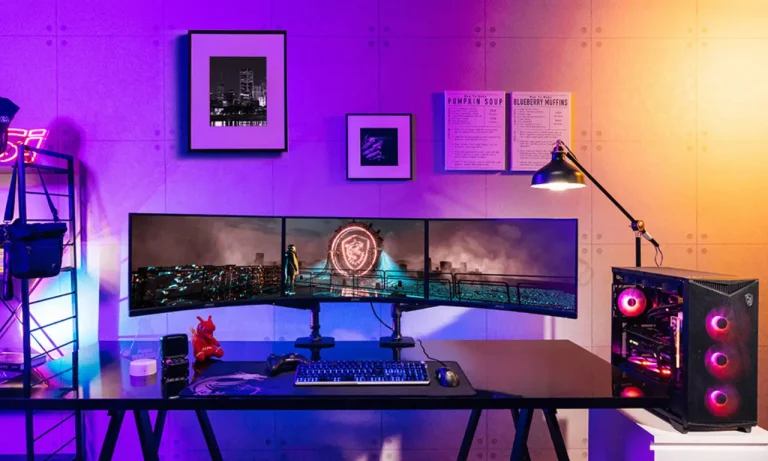
Here is a simple example of a budget gaming setup:
- Mid-range CPU
- Budget GPU
- 8–16GB RAM
- SSD storage
- 1080p monitor
- Basic keyboard and mouse
- Affordable headset
This setup can run many popular games smoothly.
Common Mistakes to Avoid
Some mistakes can waste money or reduce performance.
Avoid these:
- Buying very cheap low-quality parts
- Ignoring the importance of GPU
- Spending too much on accessories instead of core parts
- Not planning upgrades
Making smart decisions helps build a better setup.
Why Budget Gaming Setups Are Great
Budget setups are perfect for beginners and casual gamers. They allow players to enjoy games without spending too much money.
They also teach players how to build and improve their setup over time.
Many gamers start with a budget setup and upgrade as they gain experience.
Conclusion
Building the best budget gaming setup is not difficult. With the right choices, you can enjoy smooth and comfortable gaming without spending a lot of money.
Focus on essential components like a good CPU, GPU, monitor, and comfortable setup. Start simple, and upgrade over time as needed.
Gaming is about enjoyment, skill, and experience—not just expensive equipment. A smart budget setup can still deliver an amazing gaming experience.
FAQs
1. What is the minimum budget for a gaming setup?
A basic gaming setup can be built with a low budget, depending on whether you choose a PC or console. Budget setups focus on essential components only.
2. Is a budget gaming PC good for modern games?
Yes, a budget gaming PC can run many modern games on medium or low settings smoothly.
3. Can I upgrade my budget gaming setup later?
Yes, one of the biggest advantages of a gaming setup is that you can upgrade parts over time.
4. Do I need a gaming chair for a budget setup?
No, a comfortable regular chair works fine. A gaming chair is optional.
5. What is more important, CPU or GPU?
For gaming, the GPU is usually more important because it handles graphics and game performance.
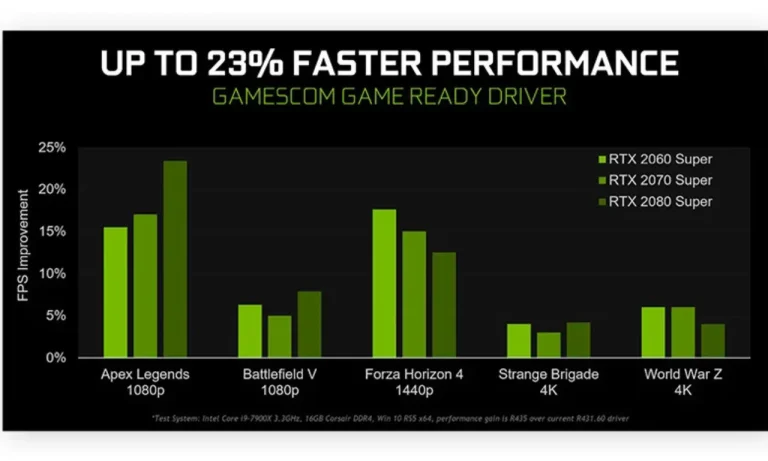
Bahut hi helpful aur beginner-friendly article hai Budget gaming setup ko aapne kaafi simple aur practical way me explain kiya hai, jisse koi bhi apna setup easily plan kar sakta hai. Especially accessories aur setup optimization ke tips kaafi useful lage, kyunki sahi components choose karna hi gaming experience ko improve karta hai.